A YEAR INTO THE HACKATHON `24

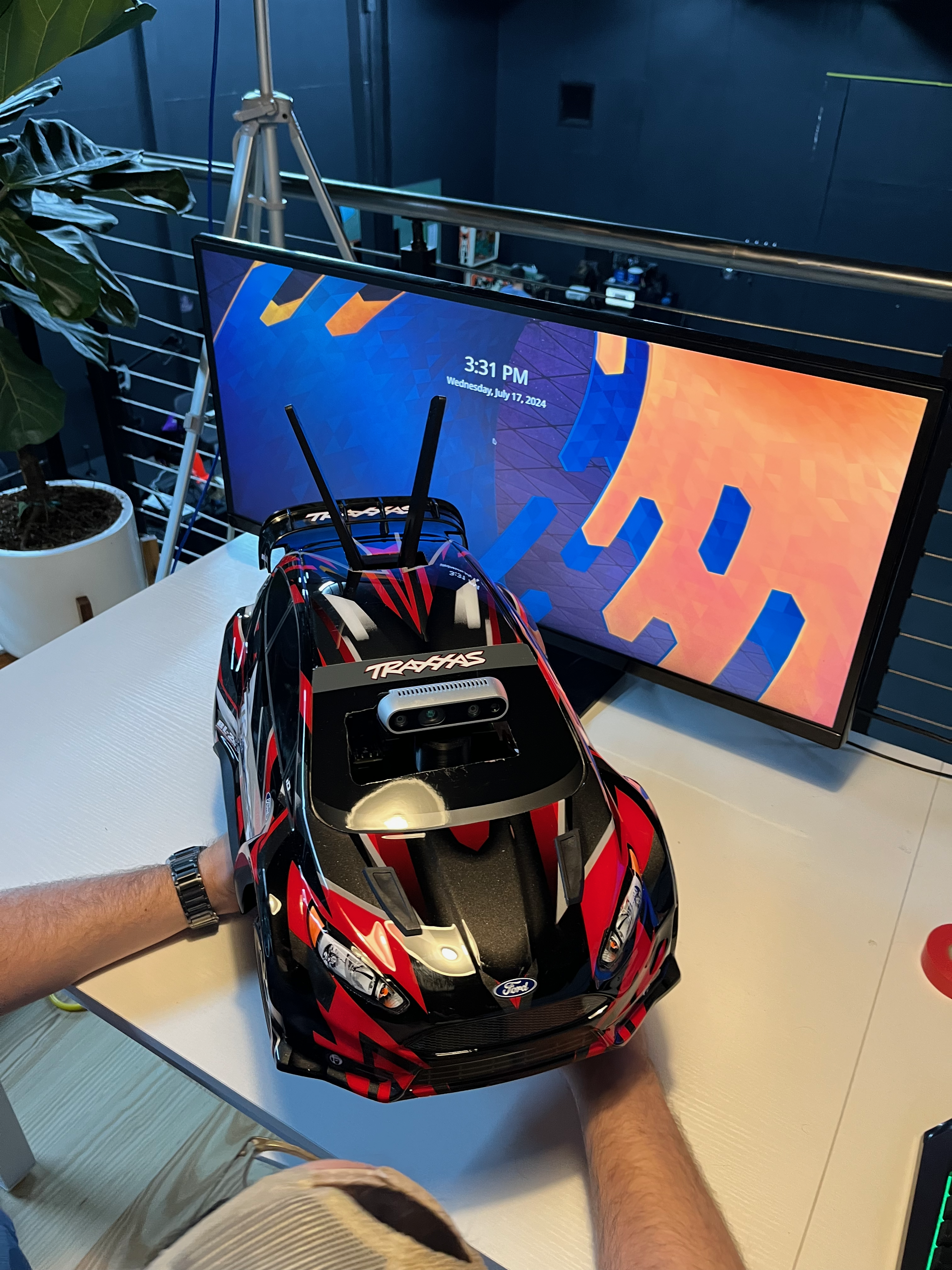
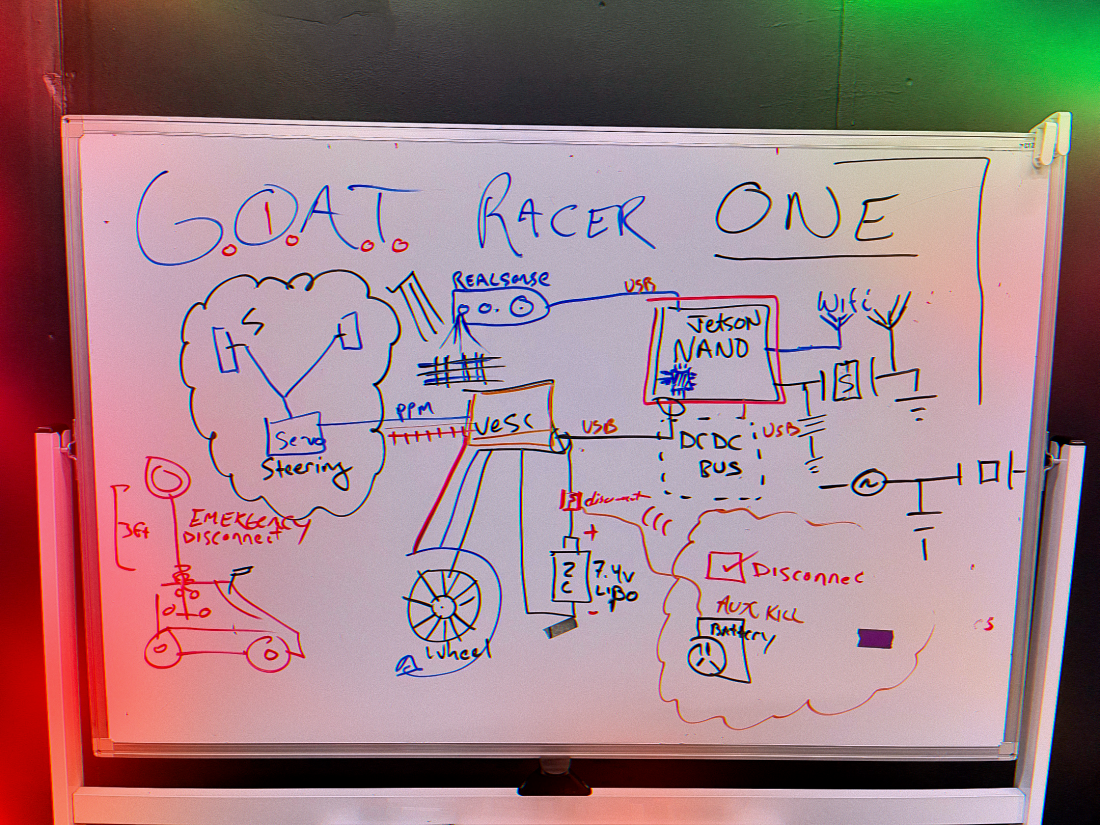
We started this project about a year ago. We thought it would be easy. There was an event GOAT CONF ONE where we were doing a hackathon for the GENAi Photo booth. Chuck er… Renan Barbosa commented this was too easy. Boasting we should do the Jetracer from NVIDIA also known as Project Leatherback. It is a really cool concept. An “Ai RC Racer” built around the Jetston Nano. The car hardware was built and assembled by the event. but the Simulation to Reality (Sim2Real) was still being developed. And still is…
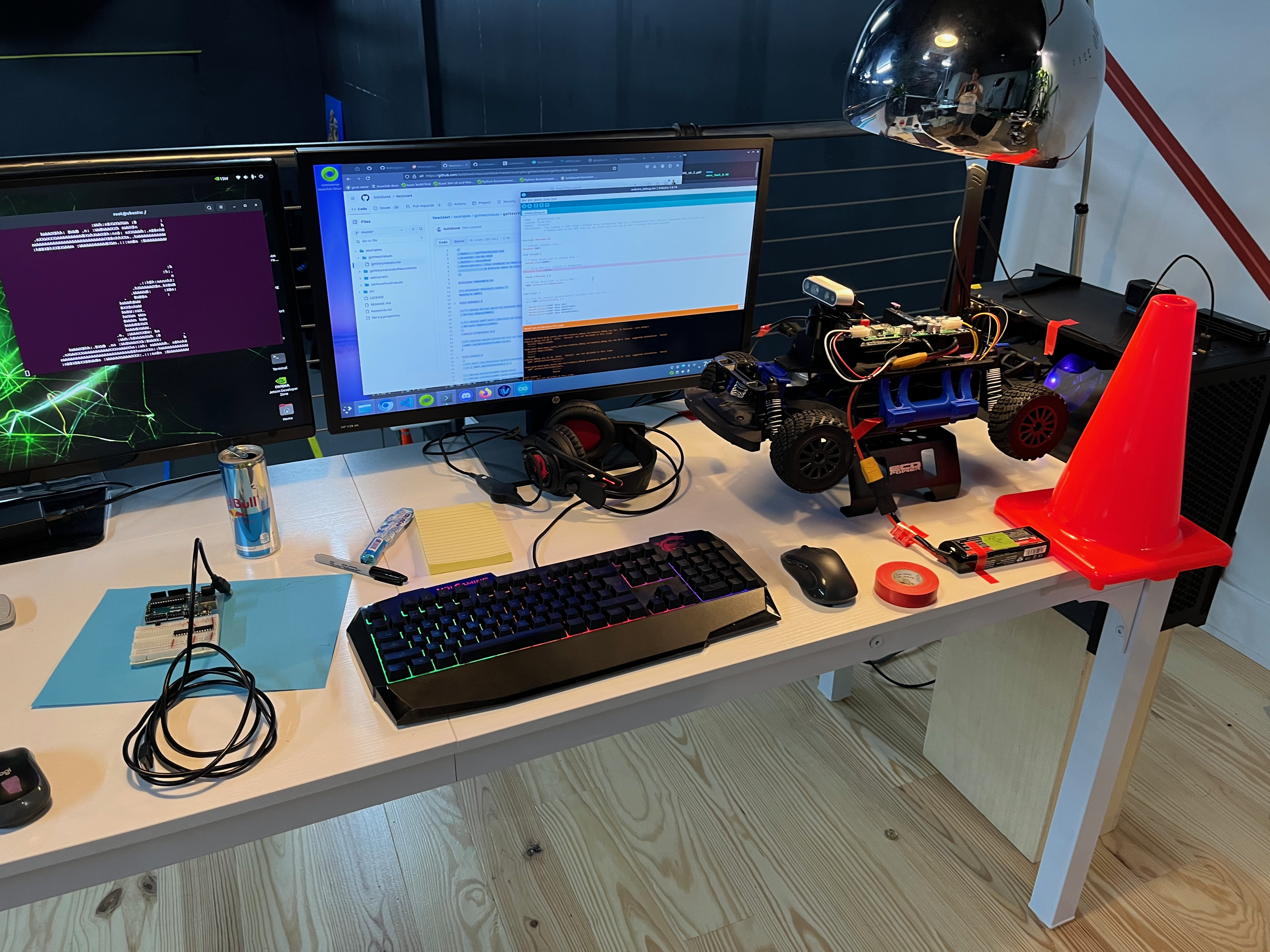
We did the event. It was great for what it was, a gathering of like minded individuals talking about cool stuff. But we aren’t done yet and we had to kind of finish a few other things in the mean-time. The GENAI Photobooth ended up with 2-3 subsequent hackathons and many events put on and we also had it at Makerfaire.

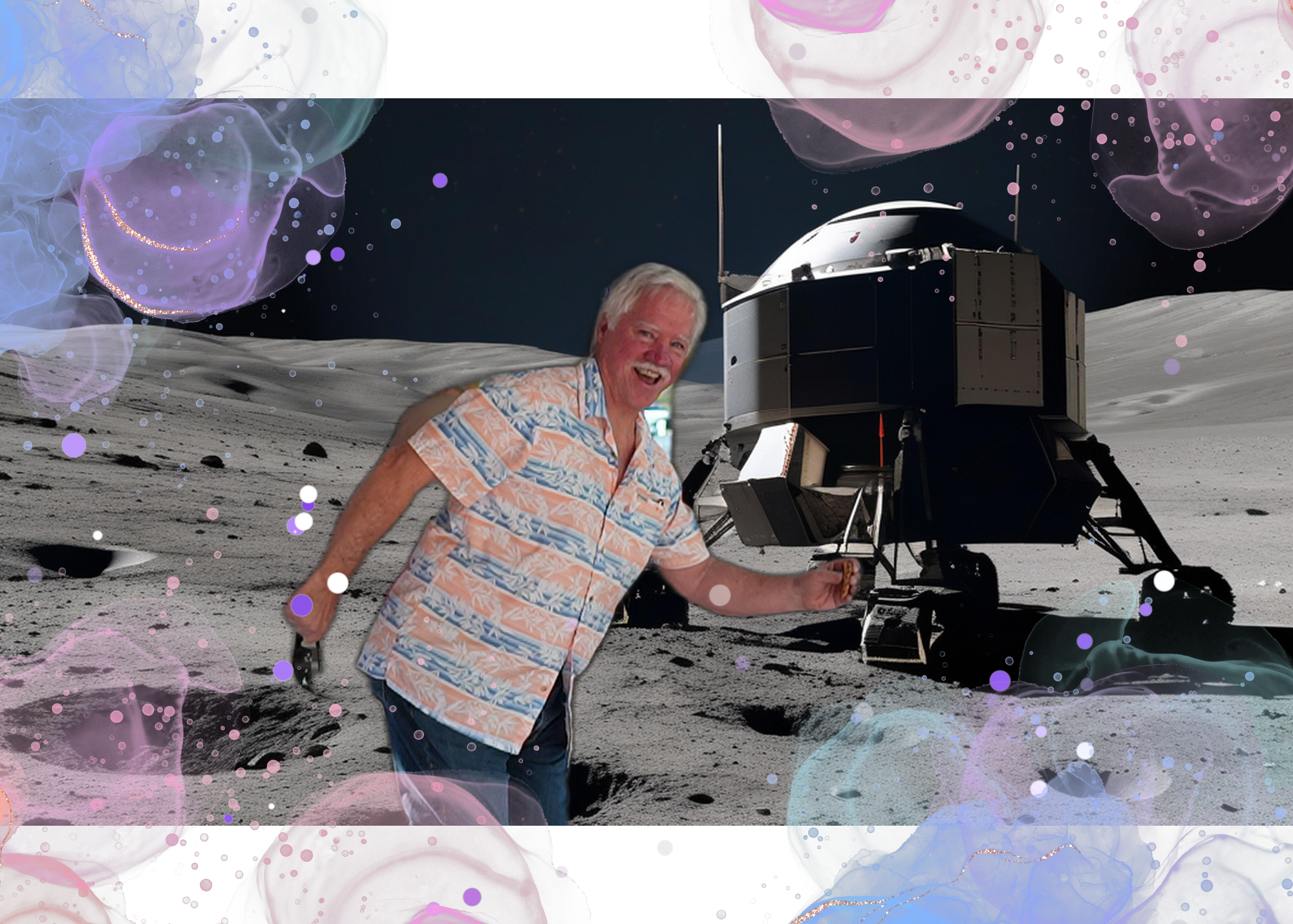
An Interactive Generative Ai Photobooth is what?

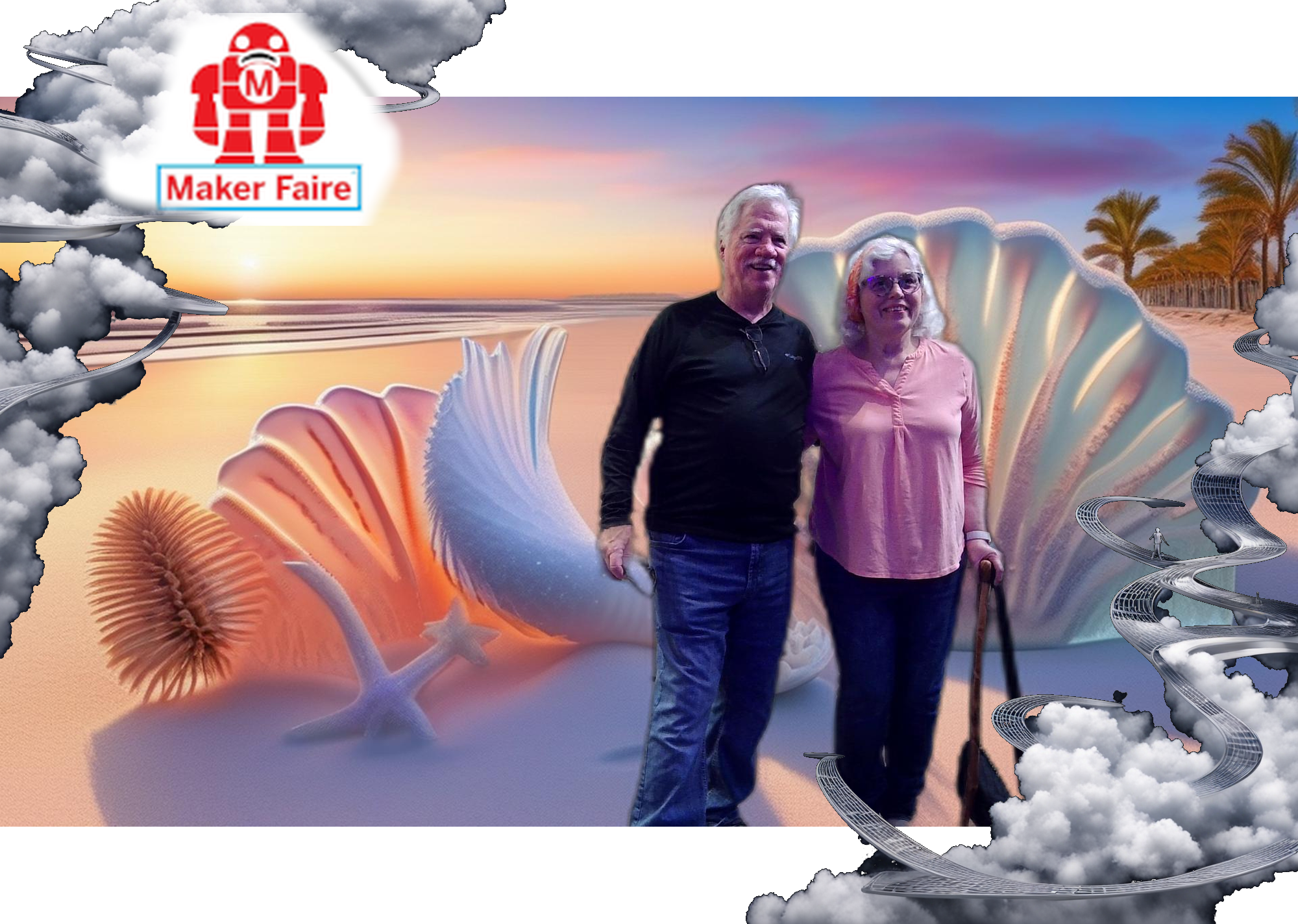
  • Generate a background image based on request or canned theme response
  • We take a picture and remove the background, without using a green screen
  • We put you with that background and tag it with the event name / frame
  • You get QR code to download it [WONTFIX]

We actually started “vibe” coding this on the side to prepare for next hackathon. I picked this project because I knew it was possible in short amount of time. (ahem) Turns out vibe coding does work and it is only getting better. It is a Jupyter Notebook so it isn’t pretty and it isn’t finished but it works. It is a great teaching project.

We have to haul the 4090 machine round though. 50lbs to ship these Docker containers. It was fun but, now it is over. To get quality pictures you still need professional lighting and generally knowing what you are doing. This technology will exist in near realtime soon on your phone. Back to the workstations with the 4090s.
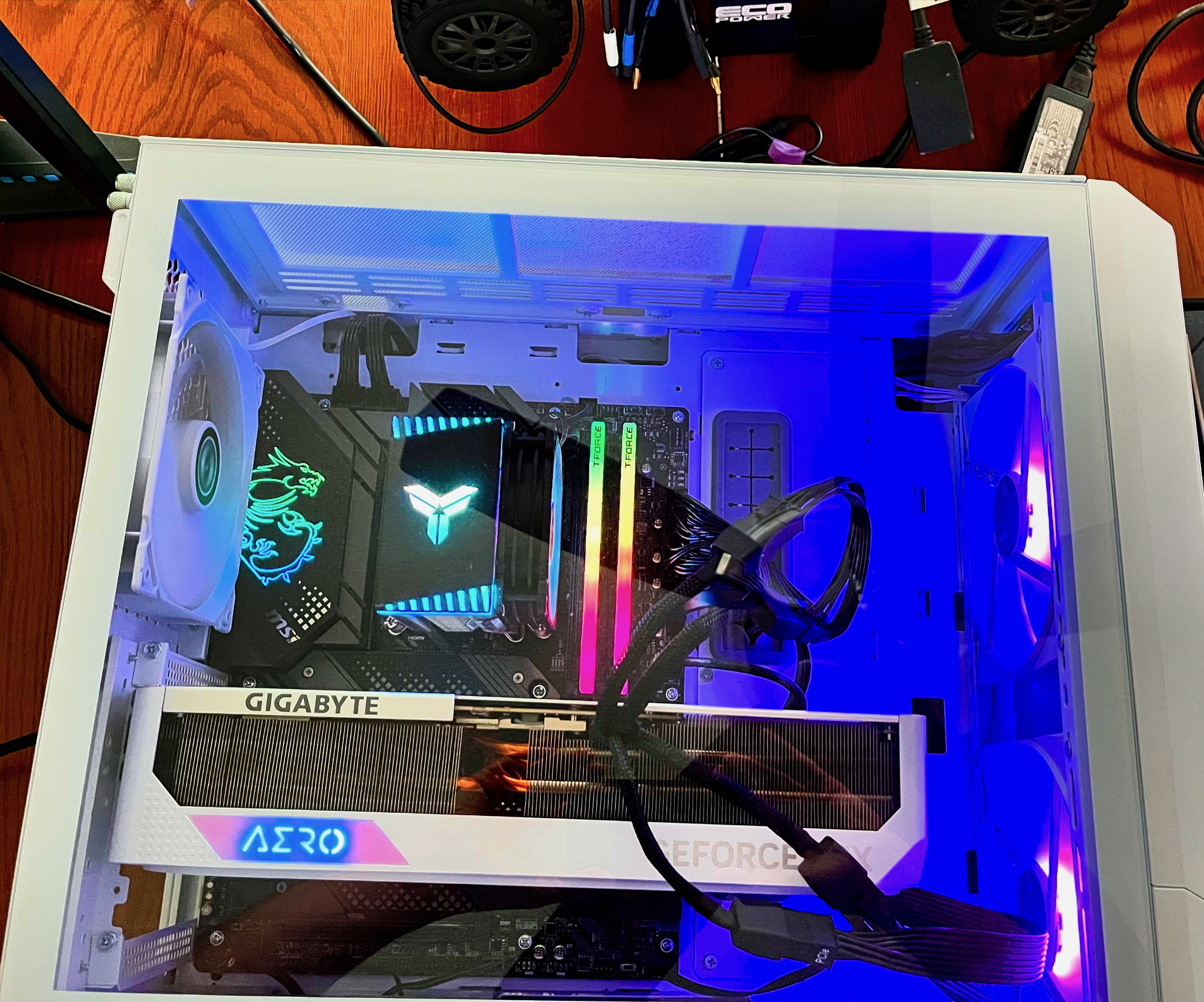
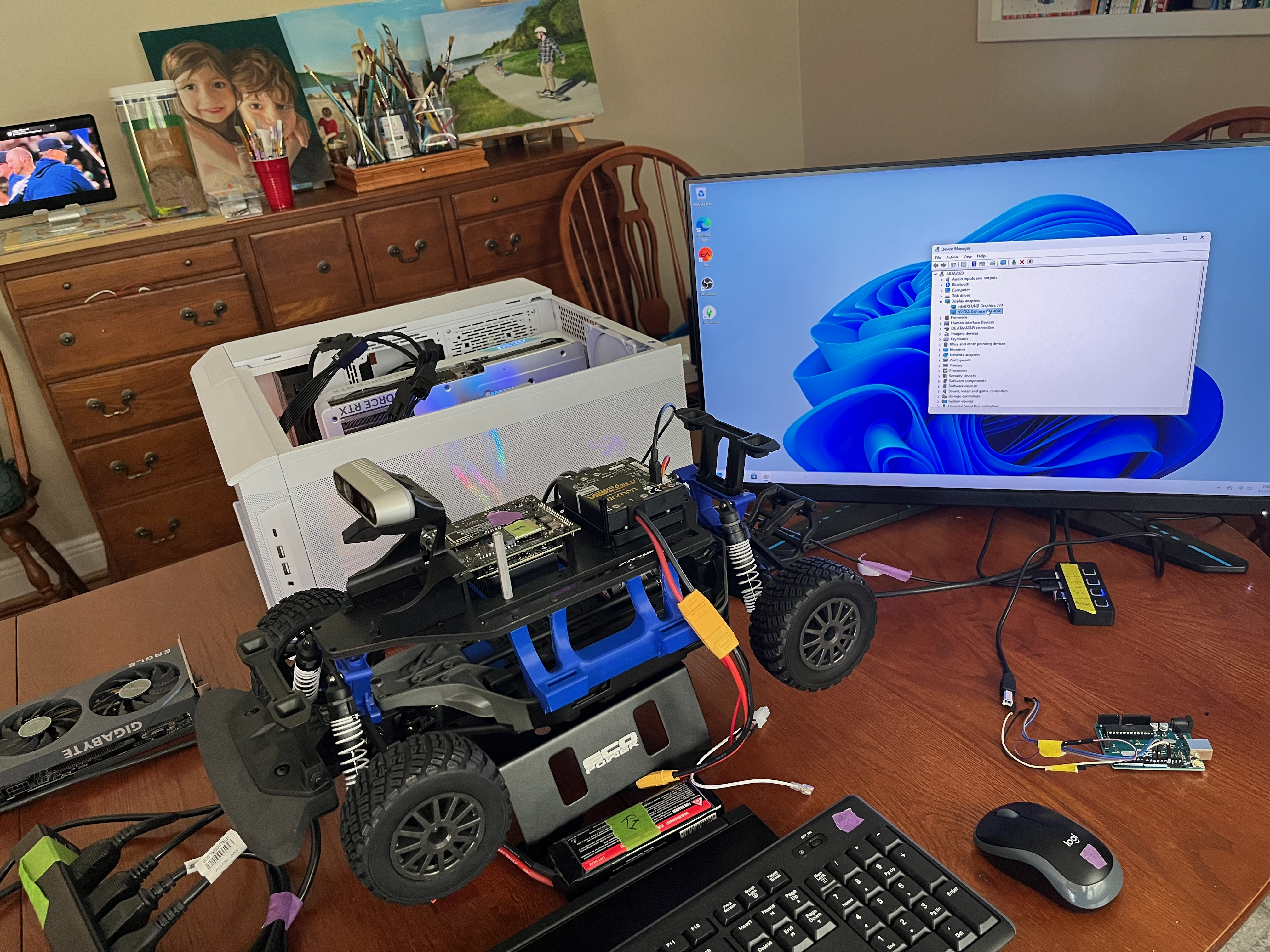
NVIDIA 4090 RTX MACHINE

Modern Workstations

Between fighting with GPU drivers and out of memory problems, we built a few of these systems as backups because they are hard to source. 4090s have been sold out for over 6 months. 3090s are available as the best bang for your buck right now. All of our development is against NVIDIA GPUs. This is a practical choice as all GPUs in the market are sub-standard in tooling compared to NVIDIA’s for AI training/inference definitely and probably graphics performance.

With its 24GB of RAM and over 10,000 CUDA cores, you can run an LLM or two and maybe do image and video generation flows in a reasonable amount of time. This is also a great system to run IsaacSim and to train robots in a simulator.

At the conference we had to provision cloud instances for everyone as each workstation costs upwards of $4K. We had the computers in the cloud with Infinite Compute‘s donation of credits to rent them by the hour. Having a local workstation is a must when doing IsaacSim work in my experience.

Racer Update May

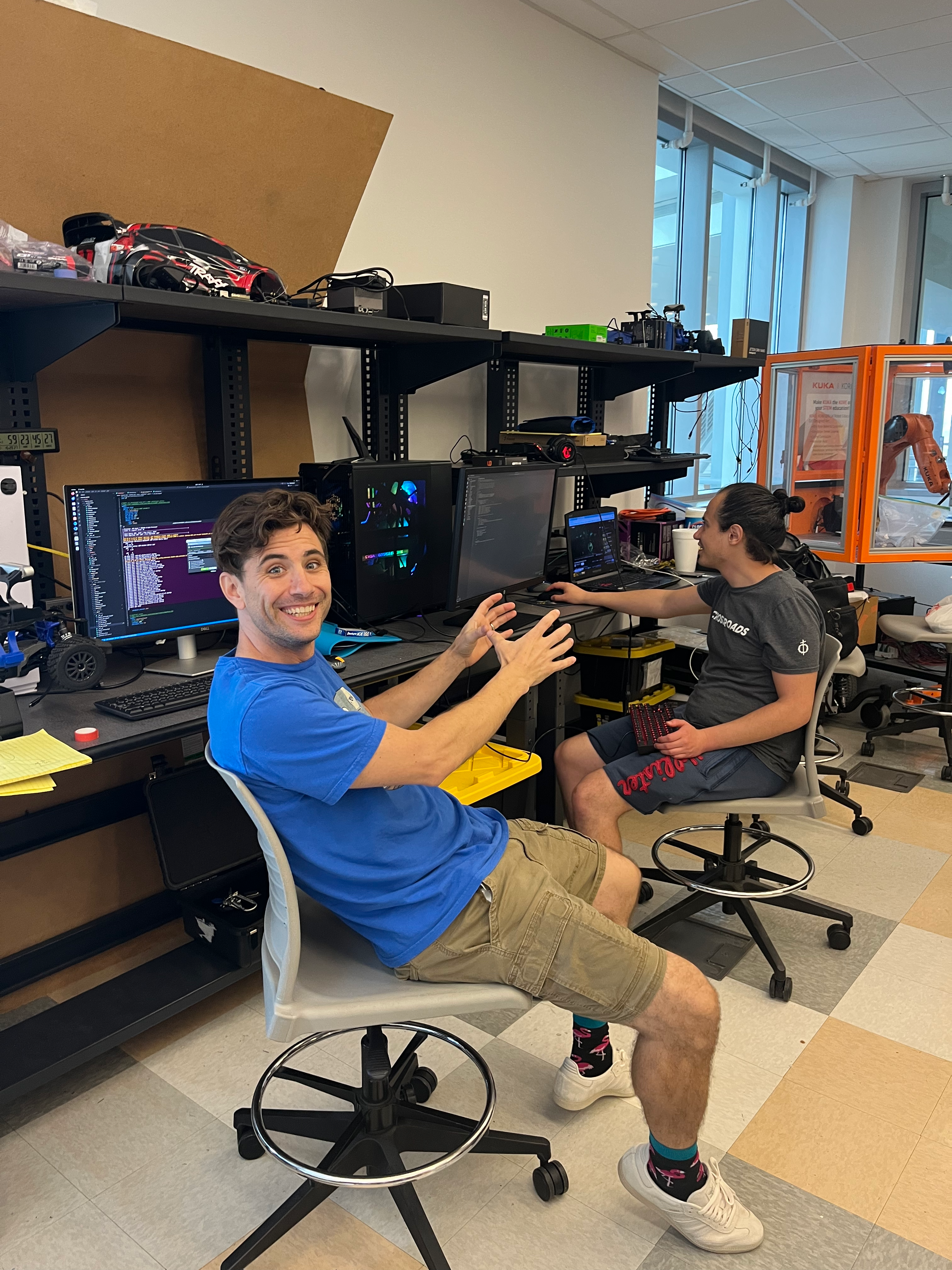
Moving the lab 3 times has been three too many. But we landed at the college while we finish up our last semester. Plan is still to graduate in fall but hopefully the bulk of the work will be done in the next 60 days. The one year point of when we wanted to be racing. The hardware is all there and the reinforcement-learning training of the models is working. Still trying to figure out vision.
What’s Next?

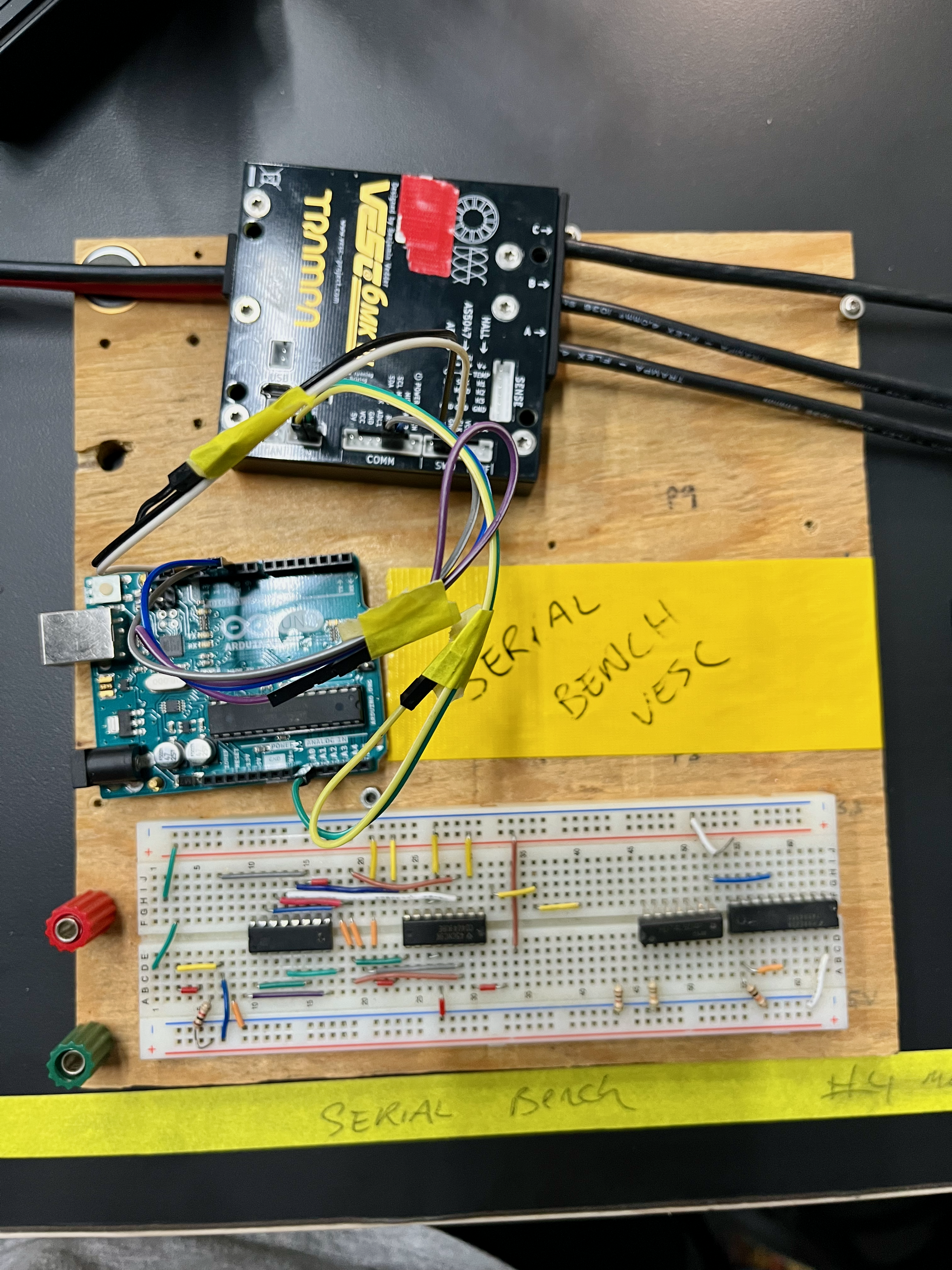
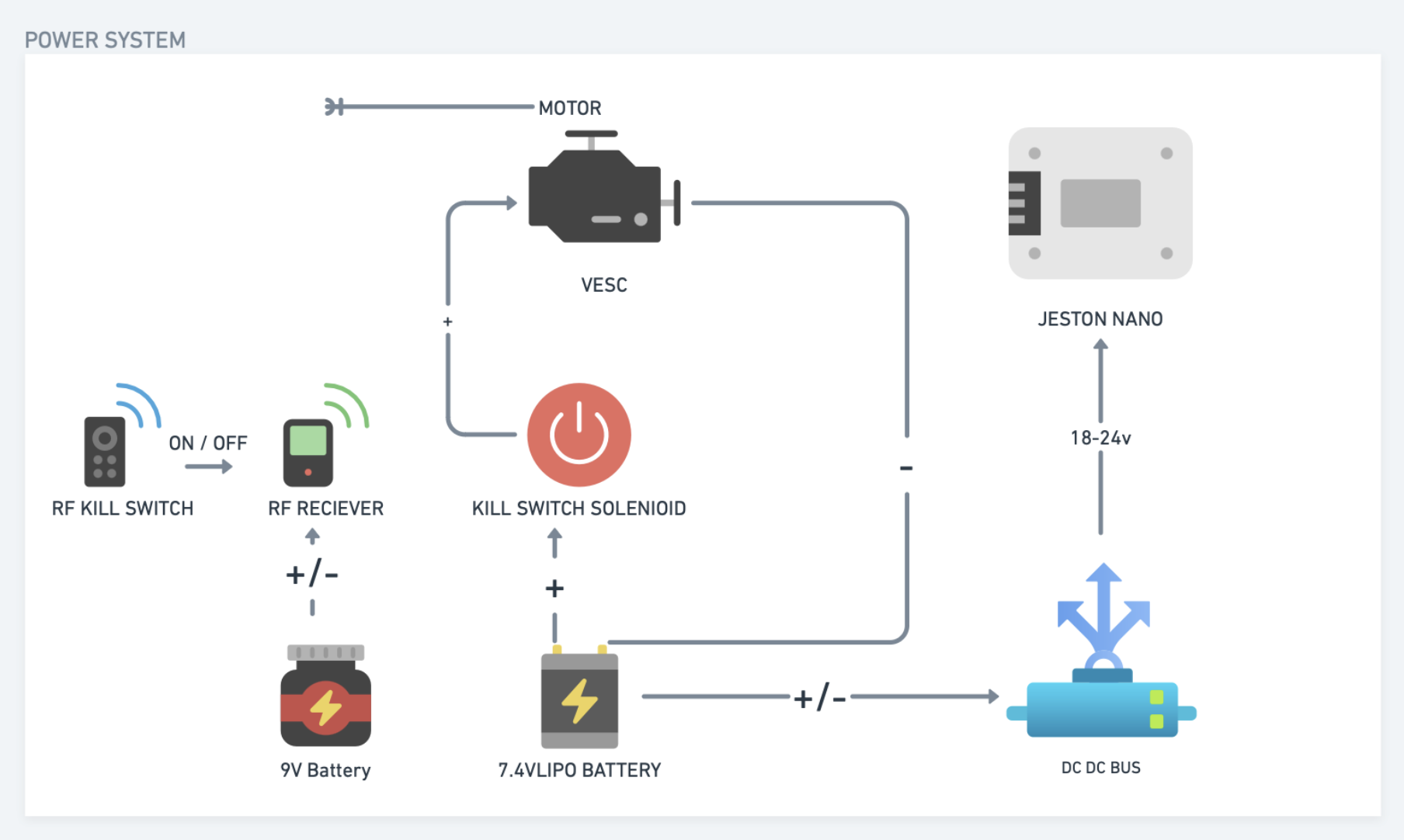
With the RF Kill Switch now designed and tested we need to fabricate a few more cables and assemble the car “finally”. With this safety feature we will begin with teleoperation again which is just publishing commands over wifi to the car. We never ran the car not on blocks because we didn’t have the kill switch. We hope to start with teleop next week.
Sim2Real

Currently the flow is to use IsaacLab and SKRL a python library to train 2 models for a reinforcement learning policy to be trained. Once a policy is trained it can be inferred in the simulator. In the case of the above video it is simple way-point navigation. The next step is to transfer this model from the workstation to the Jetson Nano.

This is where the fun begins. ONNX, TensorRT. We are still stuck on vision. Stay Tuned!

New Node, Who is This?

If it isn’t clear I have a GPU addiction. This post will render away all doubt about my technolust. I love hardware. I love exotic hardware that I’ve never seen before. I love to program or configure directly against this hardware to squeeze every last bit of performance out of it. Think how some (even old) XBox or Playstation games still are amazing on the platform that is a decade old. They programmed down to the metal.

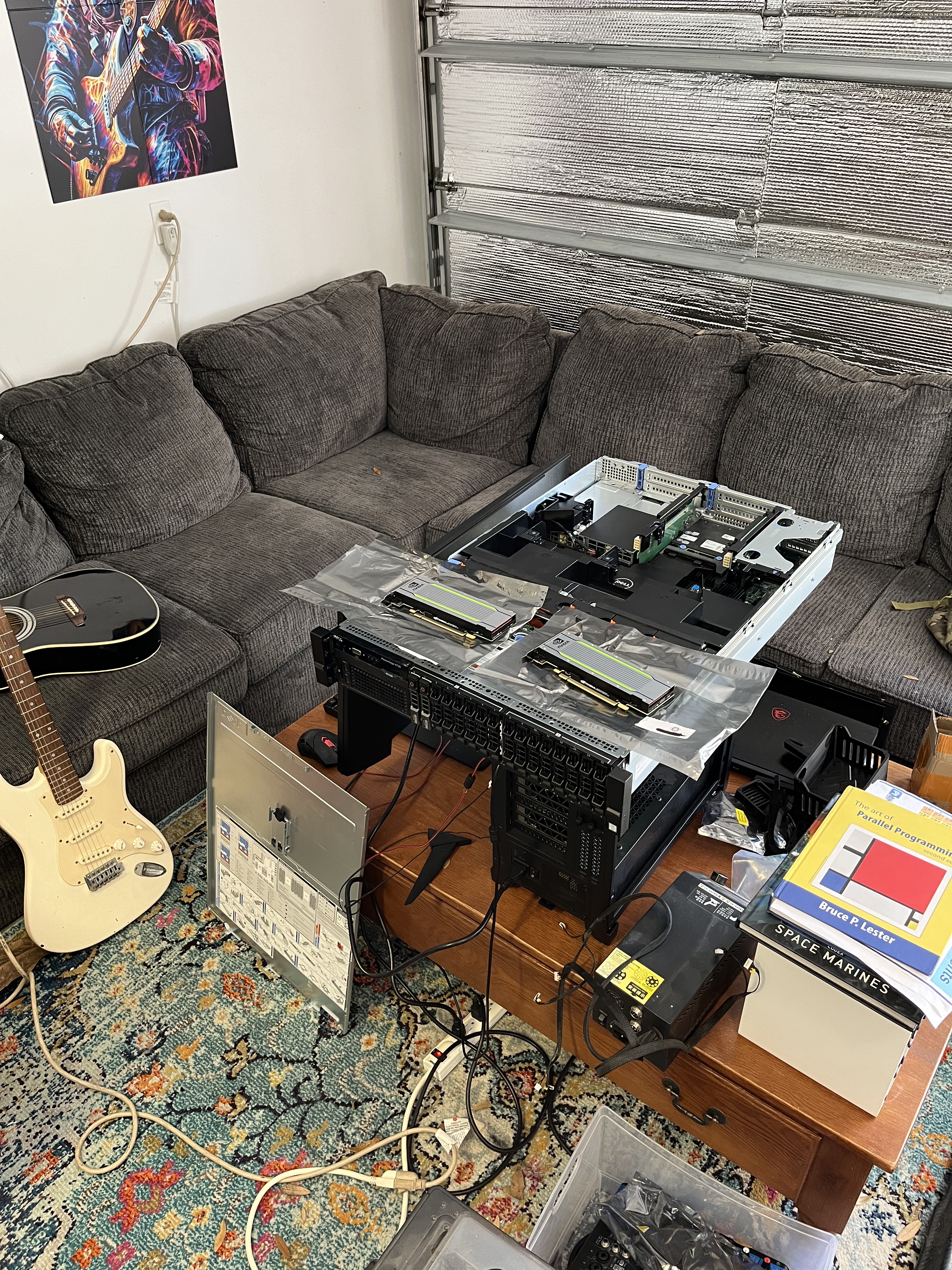
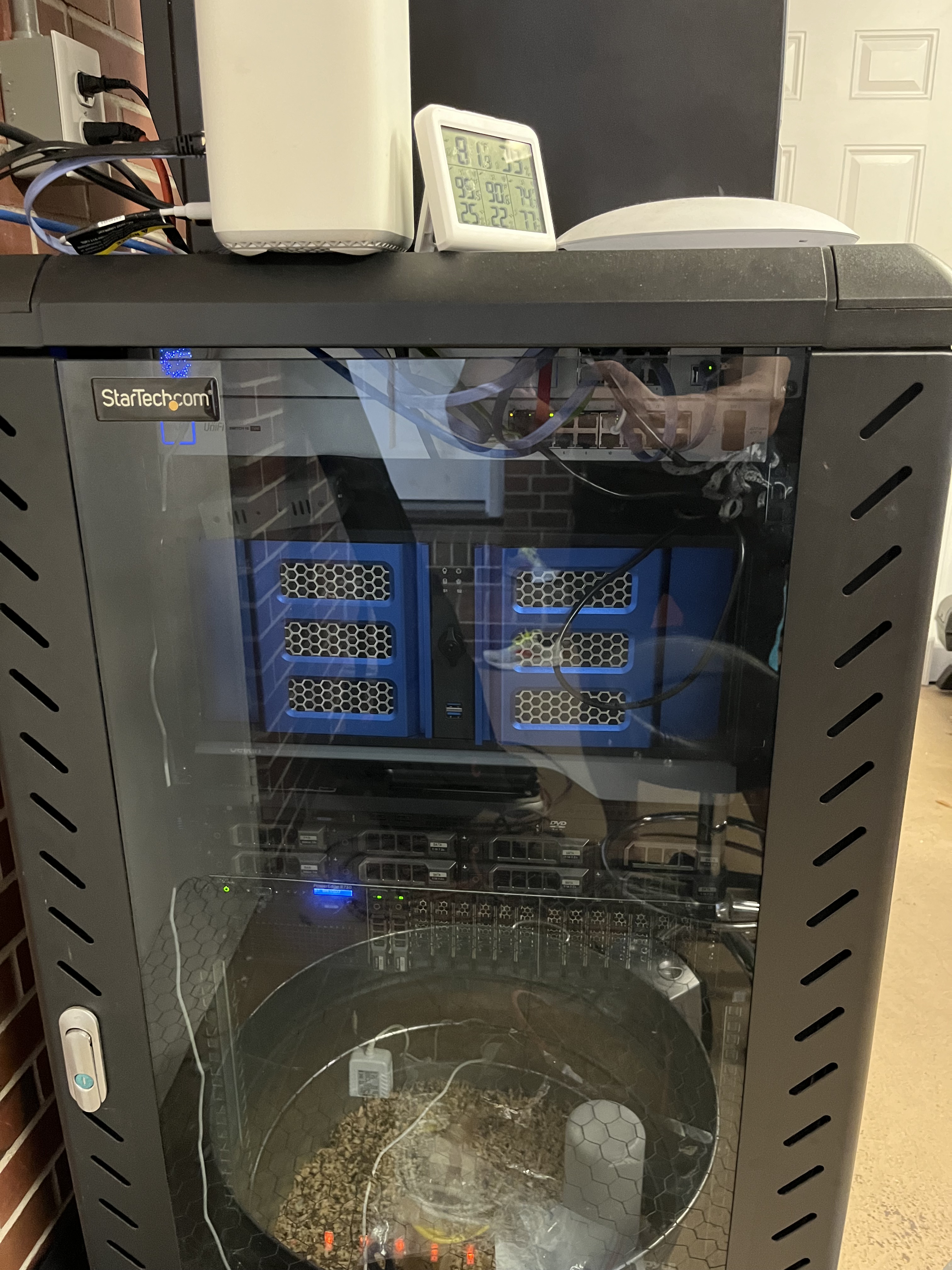
Where do you host your website? R730 running stacked on an old P40 desktop-hack with converted blowers

>>> tell the story of saddam huessein and the playstation super computer he built

 Saddam Hussein, the former President of Iraq, was known for many things, but building a PlayStation “supercomputer” is not one of them. There have been rumors and conspiracy theories that Hussein’s regime had developed a powerful gaming console-based computer for military purposes, but these claims have been widely debunked.

The story likely originated from a 2000 article in the Iraqi newspaper Al-Nasiriya Al-Gadida, which claimed that Iraqi scientists had built a supercomputer using 3,000 PlayStation 2 consoles. The computer was said to be used for weather forecasting and oil exploration, not military applications. However, there is no evidence that such a machine ever existed, and the claim has been dismissed as propaganda by many experts.

It’s worth noting that while the PlayStation 2 did have impressive technical specifications for its time, it was not designed to function as a supercomputer. Building a true supercomputer requires specialized hardware and software, as well as a deep understanding of computer science and engineering principles. It is highly unlikely that such a machine could be built using off-the-shelf gaming consoles.

In summary, while Saddam Hussein was known for his military ambitions and authoritarian rule, there is no evidence to support the claim that he built a supercomputer using PlayStation consoles. The story appears to have been exaggerated or fabricated for propaganda purposes.

Mixtral24

I guess I’ve been snoped. Moving on. If you want ME to build a super computer out of playstation2’s let me know.

Building a Better Large Language Model System

If you have been following along, I have a consumer level machine learning rig and a Poweredge r720. Things are going great but I figured I’d work my way towards the newer GPUs for servers. I needed a new server and, why not let’s try the r730. It is a little more expensive on e-bay but it looks a bit better spec wise in some areas I find desirable.

What area’s are those?

>>> what is difference from a PCIe bus between a r720 and an r730?

 Both the Dell PowerEdge R720 and R730 servers use Peripheral Component Interconnect Express (PCIe) slots to connect various expansion cards, such as graphics cards, network interface cards, and storage controllers. However, there are some differences in the PCIe bus architecture between these two server models.

The Dell PowerEdge R720 supports up to eight PCIe 3.0 slots with a maximum bandwidth of 8 GT/s per lane. The server has a total of 40 PCIe lanes available for expansion cards. The R720 also supports the use of mezzanine cards, which are smaller expansion cards that can be mounted directly onto the motherboard.

On the other hand, the Dell PowerEdge R730 supports up to twelve PCIe 3.0 slots with a maximum bandwidth of 8 GT/s per lane. The server has a total of 64 PCIe lanes available for expansion cards. The R730 also introduces support for PCIe Gen 3 x16 slot, which provides higher bandwidth than the previous generation.

In summary, while both servers use PCIe 3.0 slots with similar maximum bandwidth per lane, the R730 supports more PCIe lanes and slots compared to the R720. Additionally, the R730 introduces support for a higher bandwidth PCIe Gen 3 x16 slot, which is not available on the R720. These differences can affect the overall performance and expandability of the server depending on the specific workload requirements and expansion cards being used.

Mixtral24

Poweredge R730

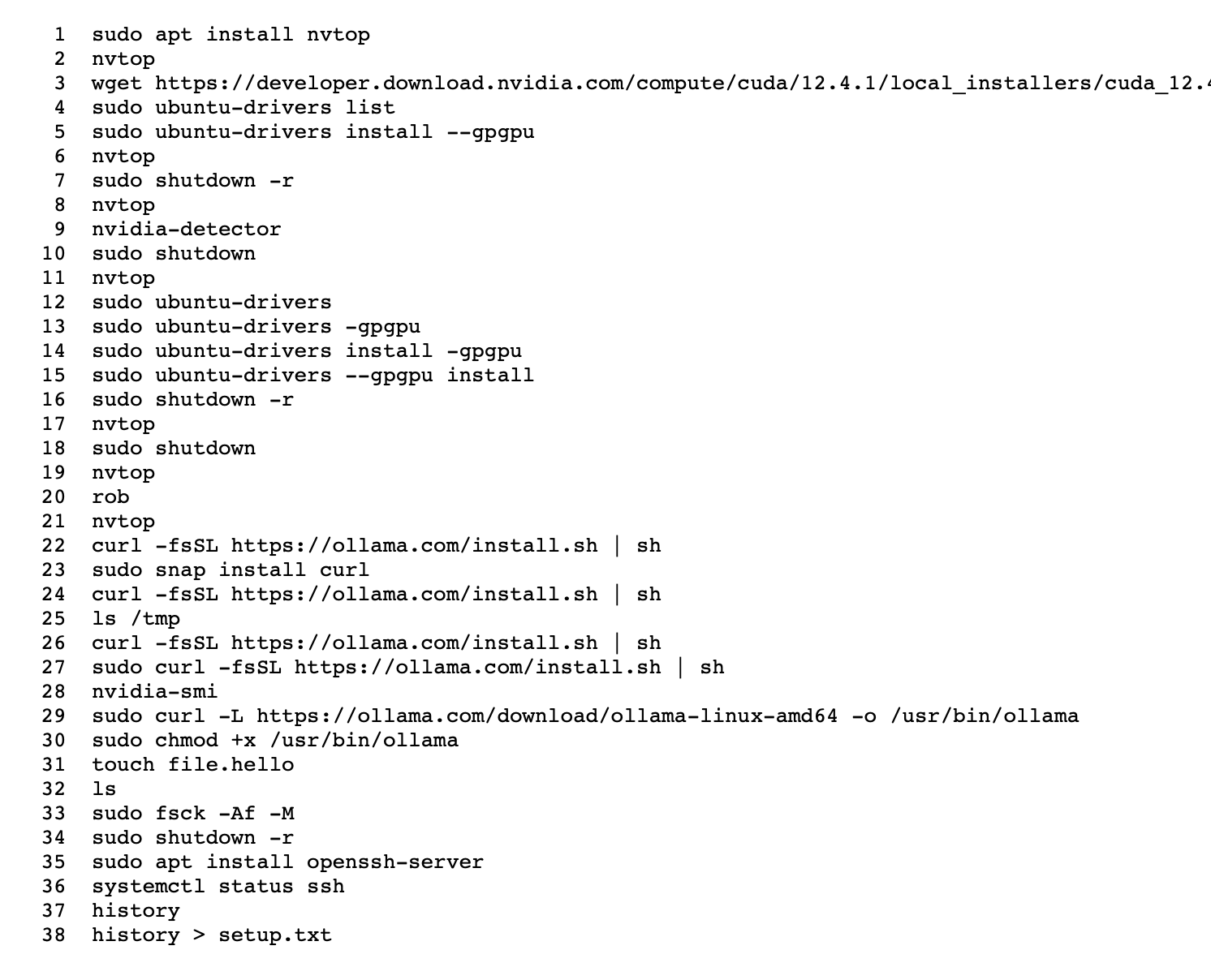
  • Really struggled this time to get ollama, you can see in the history (setup) below

this is all you should need. starting point: fresh kubuntu install.

  • sudo apt install nvtop
  • nvtop # you will see no gpus probably
  • sudo ubuntu-drivers –gpgpu install
  • sudo shutdown -r
  • nvtop # hopefully you see gpus!
  • # install ollama (hopefully seemless for you)
  • # looking at vllm next

Nvidia Tesla T40 16gb

I’m spending more than i’d like on these but I think the power savings will be worth it in the “Total Cost of Ownership” (TCO). Take a look:

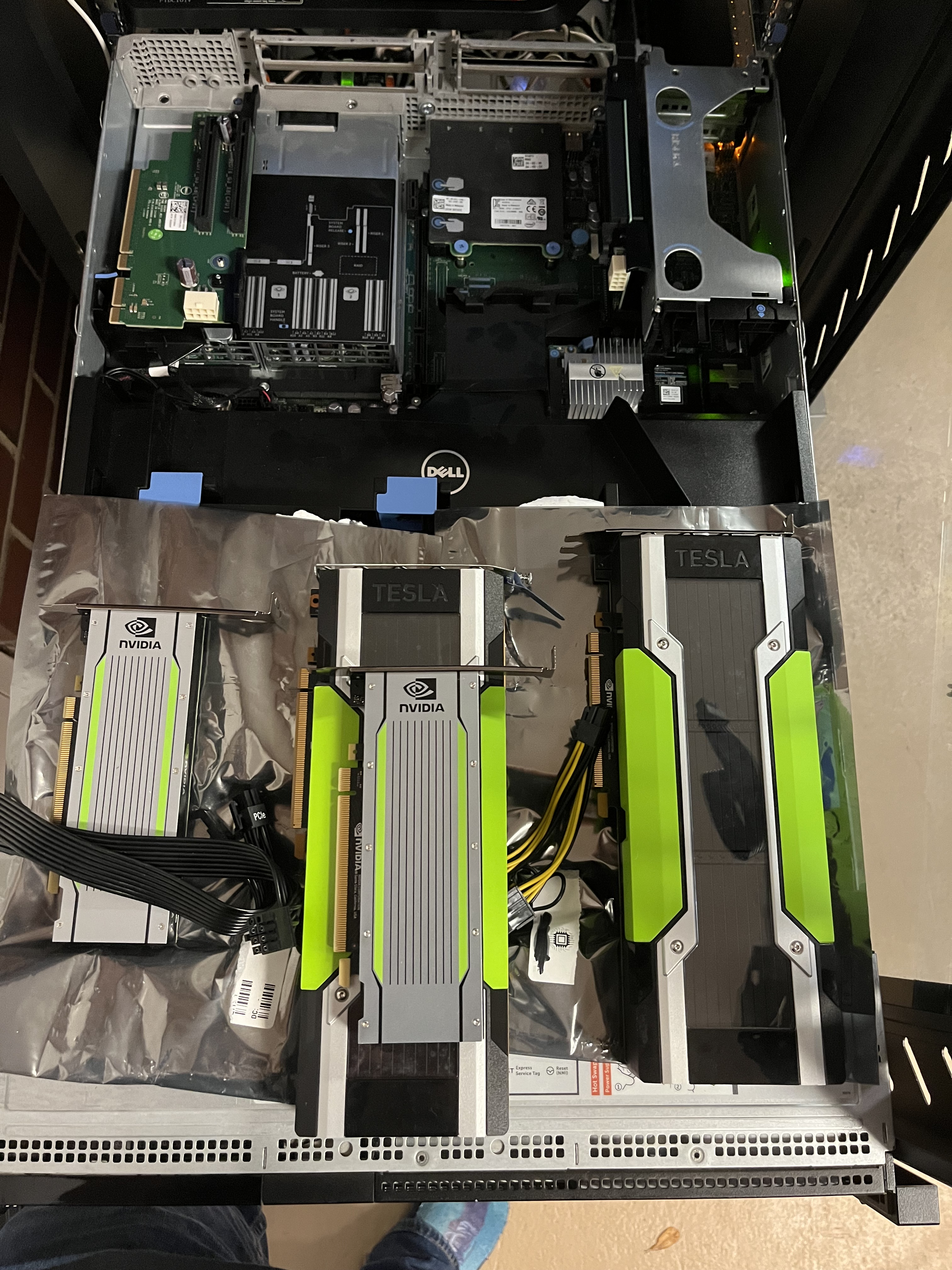
Putting in the Nvidia Tesla T40 GPUs

It is amazing the size difference these two GPUs:

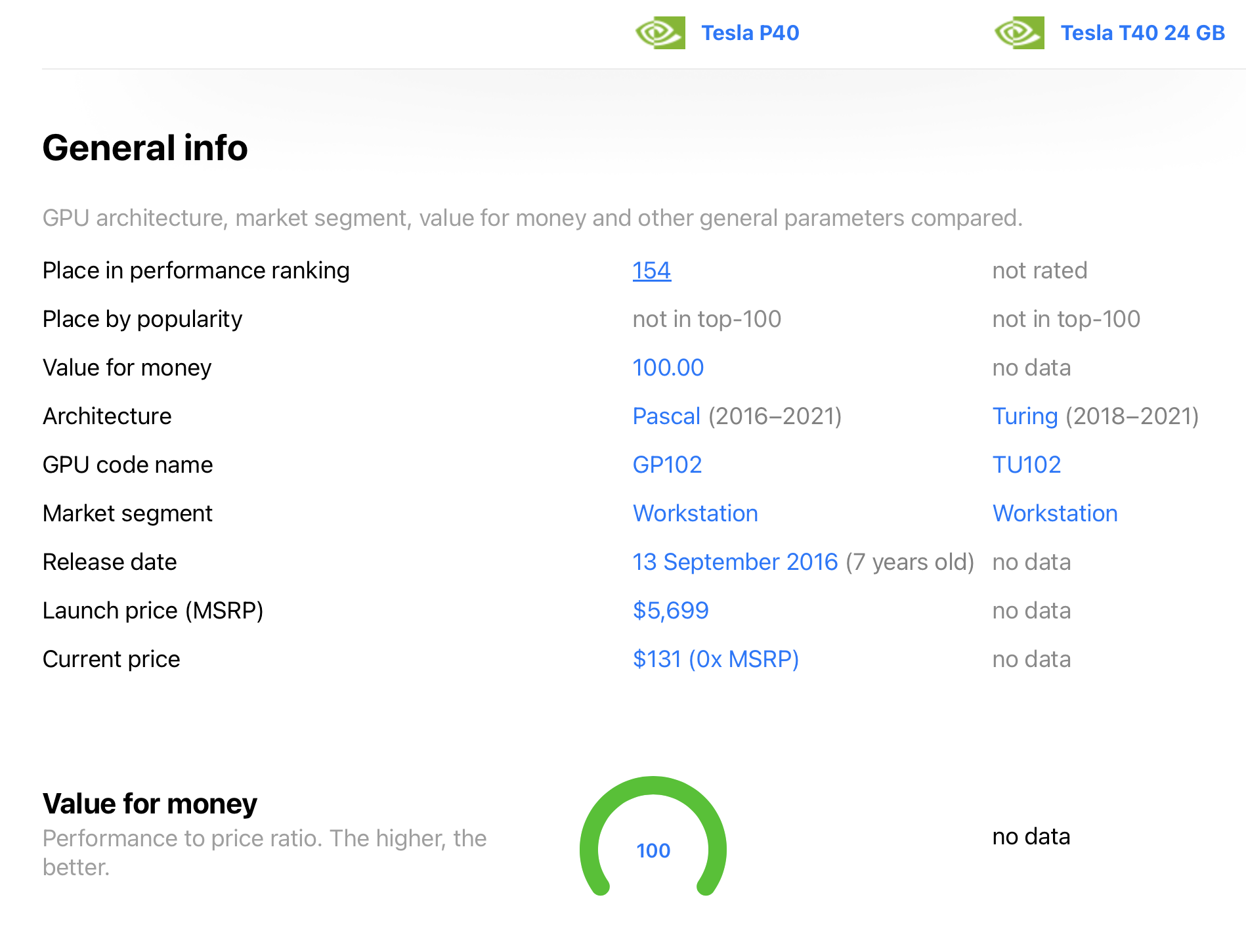
kinda scammy site: https://technical.city/en/video/Tesla-P40-vs-Tesla-T40-24-GB
https://www.topcpu.net/en/gpu-c/tesla-p40-vs-tesla-t40-24-gb

Rob Web Services

  • idle machines make me sad
  • soon, shoot me email/dm/tweet.
Baby chick incubator…